

AI can reliably draft platform-native social posts when you feed it a clear brief and apply a fast human edit. The workflow is simple: seed a brief with your audience and goal, generate several drafts across channels, edit the hook and confirm facts, then schedule. Most tools that generate AI social media posts run on a freemium model, so you can test the process for free before paying for higher volume or scheduling. Campaign Buddy HQ builds this exact workflow into its platform, offering AI-assisted post drafts alongside the outreach tracking and calendar tools campaign teams already rely on.
Here's what that workflow looks like in practice:
- Seed: Write a two-sentence brief with audience, goal, and key facts.
- Generate: Ask for three to five drafts, tailored per platform, in one request.
- Edit: Rewrite the hook, verify every claim, add your link.
- Schedule: Post during a recommended window or stagger manually across the week.
Key Takeaways
AI reliably drafts platform-ready social posts when paired with a specific seed brief and a fast human edit on the hook and facts.
| Point | Details |
|---|---|
| Start with a real brief | Include audience, goal, key points, tone, and length so drafts need fewer rewrites. |
| Generate multiple channel variants at once | Ask for Instagram, X, and LinkedIn versions in a single request to save time. |
| Always edit the hook and verify facts | A short human pass on the first line and every claim prevents robotic or inaccurate posts. |
| Stagger scheduling to avoid a mechanical feed | Vary posting times and localize details rather than publishing on a fixed, predictable rhythm. |
| Use an integrated workflow for campaign teams | Campaign Buddy HQ pairs AI-assisted drafts with scheduling and outreach logging in one platform. |
Table of Contents
- What AI Social Media Post Generators Actually Do
- How to Generate, Edit, and Publish AI Posts Step by Step
- Prompt Formulas That Produce Better First Drafts
- Refining AI Drafts for Each Platform
- Fitting AI Drafting Into Your Content Calendar
- Campaign Buddy HQ's Approach to AI-Assisted Social Posts
- Try Campaign Buddy HQ for Your Next Campaign Push
- Sources
What AI Social Media Post Generators Actually Do
An AI social post generator takes a short brief and turns it into platform-ready copy, adjusting for character limits, tone, and hashtag conventions automatically, making it easier to follow relevant workplace-related election news like those found in the Eye on the election resource. That's the core function. But the better tools go further, and knowing the difference will save you from picking a generator that only handles half the job.
Here's what separates a basic text generator from a production-ready tool:
- Platform-aware drafting. The tool knows X caps out around 280 characters, LinkedIn rewards longer-form takes, and Instagram needs a hook before the fold. Generic AI chat tools don't automatically apply these rules; platform-aware generators do it by default, following the kind of network-specific formatting logic that purpose-built post generators bake in.
- One-seed, multi-output generation. You describe your campaign once and get five channel-specific variants back, instead of rewriting the same idea five separate times.
- Scheduling and publisher integration. The strongest tools push drafts straight into a calendar or publishing queue rather than leaving you to copy and paste into five different apps.
- Brand memory and voice templates. Some platforms remember your tone, key messaging, and past posts so new drafts sound consistent instead of generic.
- Analytics feedback. A handful of tools track which drafts perform and quietly adjust future suggestions based on that data.
Free browser-based generators commonly cap output around five posts per day, which is fine for testing prompts but a real bottleneck once you're running an active campaign calendar. Signing up for a free account on most platforms unlocks unlimited generation and basic scheduling; paid tiers typically add team collaboration, approval workflows, and deeper analytics. Tool roundups from Zapier consistently favor the platforms that bundle drafting, scheduling, and analytics into one workspace over standalone generators, and that pattern holds for campaign teams too. A generator that only writes text still leaves you managing three other apps to get a post live.
How to Generate, Edit, and Publish AI Posts Step by Step
Getting from blank page to scheduled post takes several steps, and skipping any one of them is usually where quality drops.
- Write a real seed brief. Include your audience, the goal (awareness, signups, donations), two or three key points, your desired tone, and a sample post you like the style of. Vague prompts produce vague drafts; specific prompts with audience, goal, and tone included cut down dramatically on rewrite time.
- Generate for multiple channels in one pass. Ask for Instagram, X, and LinkedIn versions of the same brief simultaneously rather than running three separate prompts.
- Pick two or three drafts per channel. Don't take the first output. Compare a few angles and pick the one with the strongest opening line.
- Edit the hook and verify facts. This is the step people skip and regret. Rewrite the first line in your own voice, double check every number or claim, and drop in your campaign's UTM link.
- Attach media correctly. Size images for the platform, write real alt text, and don't reuse the same crop across every network.
- Schedule with intention. Use an AI-recommended publish window or your own calendar slot, and stagger similar posts across days so your feed doesn't read like a bot wrote it.
Pro Tip: Spend your editing time on the hook and the call to action first. A quick rewrite of the opening line, even just ten to thirty seconds of work, is usually what separates a post that gets scrolled past from one that gets a click.
Prompt Formulas That Produce Better First Drafts
The output only gets as good as the brief. A reliable prompt formula looks like this: [audience] + [goal] + [key points] + [tone and length] + [call to action]. Feed the AI all five pieces at once and you'll spend far less time rewriting.
A few working examples for common campaign goals:
- Awareness post: "Write for likely voters aged 25 to 45. Goal: explain our candidate's housing plan. Key points: rent caps, first-time buyer credits, zoning reform. Tone: direct, hopeful. Length: 2 sentences for X, 4 for Instagram. CTA: link to full plan."
- Donation ask: "Write for past donors. Goal: urgent fundraising push before FEC deadline. Key points: matching gift, deadline date, impact of $25. Tone: personal, urgent. CTA: donate link."
- Volunteer sign-up: "Write for local supporters. Goal: recruit canvassers for Saturday. Key points: 2-hour shifts, training provided, snacks included. Tone: friendly, low-pressure. CTA: sign-up link."
- Event reminder: "Write for the local email list. Goal: drive turnout to Thursday's town hall. Key points: time, location, guest speaker. Tone: excited. CTA: RSVP link."
- Blog-to-post conversion: "Summarize this blog post into three platform variants: a LinkedIn takeaway, an X thread opener, and an Instagram caption."
The single biggest quality lever isn't the AI model. It's whether the brief includes a real audience, a real goal, and real key points instead of a one-line request.
Ask directly for platform-specific variants in the same request. Then run each draft through a short checklist: does the hook grab attention in the first line, is every fact accurate, is the CTA clear, and does the tone match your last ten posts?
Refining AI Drafts for Each Platform
A draft that works on LinkedIn will flop on TikTok, and generic AI output tends to ignore that unless you push it. Here's what to fix on each network before you hit publish.
- Instagram: Lead with a hook, not a setup. Use line breaks generously, keep hashtags to three to five focused ones instead of a wall of thirty, and always write real alt text for images.
- X: Cut to one or two punchy sentences. If the AI draft rambles, trim it hard. For longer stories, restructure into a numbered thread instead of one dense paragraph.
- LinkedIn: Push for a measured point of view and a professional takeaway, not a press release tone. End with one or two questions that invite comments rather than a flat CTA.
- TikTok: The caption needs a short, searchable hook using keywords people actually type into the For You search bar. Skip long copy entirely and add a transcript for accessibility.
- Threads: Keep the conversational, unpolished tone Threads rewards. Shorter is usually better here than on Instagram.
- Pinterest: Write for search. Descriptive, keyword-rich captions outperform clever ones, since Pinterest functions more like a search engine than a feed.
Platform-aware formatting like this, adjusting line breaks, hashtag packs, and length by network, is what separates a draft that needs a light touch from one that reads canned the moment it's posted.
Fitting AI Drafting Into Your Content Calendar
AI drafting only helps if it plugs into a real production process instead of becoming a side tool nobody trusts. The lifecycle looks like this: idea, AI draft, human edit, approval, schedule, measure, then feed results back into your next prompt.
- Decide where AI sits. It drafts. It doesn't approve, and it doesn't publish unsupervised for anything touching fundraising or legal claims.
- Connect drafting to scheduling. An integrated platform that generates and schedules from one workspace beats copying text between five apps, and it's the pattern most current AI tool roundups point to.
- Set approval lanes. Fundraising copy and anything with a legal claim needs a same-day review SLA. Routine event reminders don't need the same friction.
- Track and feed back. Note which hooks and CTAs perform, then bake those patterns into your next seed brief.
AI can also help with the scheduling side directly, suggesting optimal publish windows and even flagging a post for review if listening tools catch a brand-safety issue before it goes live.
| Calendar stage | What happens |
|---|---|
| Idea | Team identifies the week's goals and key messages |
| AI draft | Generator produces platform variants from the brief |
| Human edit | Hook rewritten, facts checked, links added |
| Approval | Legal or fundraising review where required |
| Schedule | Posted at recommended or staggered times |
| Measure | Performance tracked and fed into next brief |
Automation like this is covered in more depth in Campaignbuddyhq's guide to campaign automation, which walks through approval structures for teams juggling multiple outreach channels.
Campaign Buddy HQ's Approach to AI-Assisted Social Posts
A volunteer recruitment post is a good test case. A field organizer enters a seed brief: audience is local supporters, goal is Saturday canvass sign-ups, key points are two-hour shifts and training provided. Campaign Buddy HQ generates draft variants for Instagram and X in one pass, the organizer edits the hook and confirms the shift times, then schedules it directly from the same workspace used to log door knocks and calls.
That's the point: the AI draft doesn't live in a separate tool disconnected from the rest of the campaign.
Features built to support this exact flow include:
- AI-assisted drafts tuned for campaign and advocacy messaging
- Reusable campaign templates for fundraising asks, volunteer drives, and event promotion
- Built-in scheduling tied to the same calendar used for daily and weekly outreach planning
- Outreach activity logging so social pushes connect to real door, call, and text data
Campaign teams working in rural or low-density areas get the same templates adapted for smaller, hyperlocal audiences rather than a one-size-fits-all national feed.
Practical perspective: common pitfalls and quality control rules
The biggest mistake teams make isn't using AI. It's skipping the fact check. AI occasionally invents a statistic or gets a policy detail slightly wrong, and fundraising or legal language needs a human review every time, no exceptions. The second mistake is posting AI drafts on a rigid, predictable cadence. Stagger timing and localize details, or your feed starts to look automated even when the content is good. Batch your edits in order: fix the hook first, then check CTAs and hashtags last. That order matters more than people expect, since a strong hook makes a mediocre CTA forgivable, but not the reverse.

Try Campaign Buddy HQ for Your Next Campaign Push
Copy-pasting drafts between a chatbot, a scheduler, and a spreadsheet is where most campaign teams lose hours every week. Campaign Buddy HQ closes that gap by keeping AI-assisted drafting, scheduling, and outreach logging in one workspace, so the same platform that generates your volunteer sign-up post also tracks the doors your team knocked on last night.
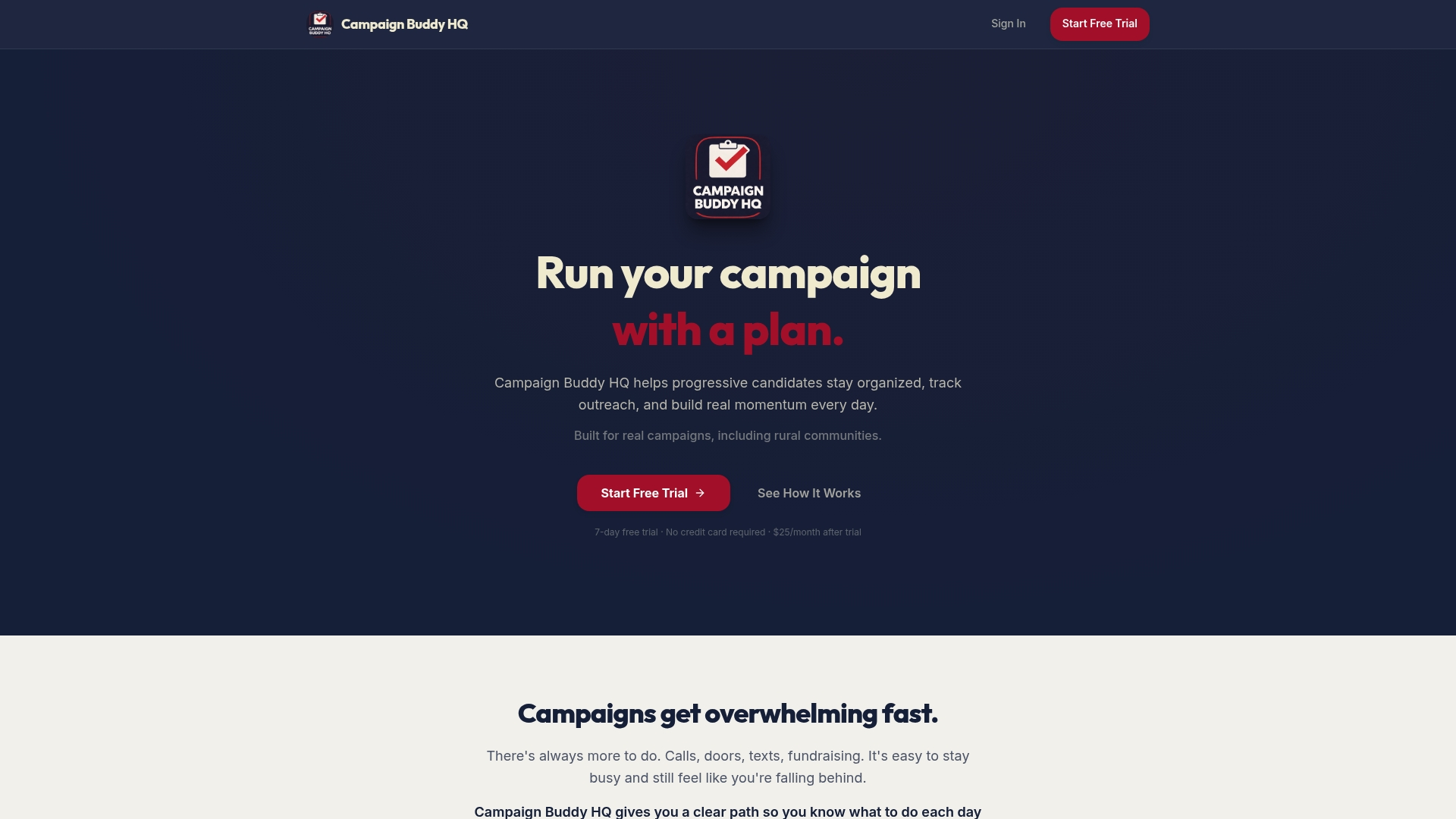
The platform includes campaign templates built specifically for fundraising asks, volunteer recruitment, and event promotion, tuned for progressive campaigns rather than generic small-business marketing. If you're not sure where to start, try generating a volunteer drive post first. It's usually the fastest way to see the full seed-to-schedule flow in action. Campaign Buddy HQ offers a free 7-day trial with no credit card required, so you can run a real campaign week through the tool before committing to anything.
Sources
- The best social media post generators (comparison and notes)
- The 8 best AI tools for social media management in 2025
- AI post generator — Postiz
- Social media content calendar: free 2026 template