

Every winning campaign runs on the same list of campaign milestones: announce/launch date, nomination and filing deadlines, fundraising pacing checkpoints, content production deadlines, volunteer recruitment and training gates, debate and public appearance dates, get-out-the-vote (GOTV) push, and post-campaign reporting. Start from the election date and plan backward to assign sign-off dates, first drafts, and briefs to every milestone. Organize those milestones by channel, not by team, and use a Gantt-style view to make dependencies visible. Campaign Buddy HQ and the Federal Election Commission (FEC) are the two named anchors your timeline must reference from day one.
TL;DR: Pin your election or launch date, then count backward. Every other milestone flows from that single fixed point.
- Announce/launch date locked
- Nomination papers and FEC/state filing deadlines calendared
- Fundraising pacing goals set (weekly and monthly)
- Content production deadlines assigned by format
- Volunteer recruitment and training milestones confirmed
- Debate and public appearance dates blocked
- GOTV and early-vote operations scheduled
- Post-campaign audit and reporting dates set
Table of Contents
- What does a phase-based campaign milestone checklist look like?
- How do you work backward from a fixed election date?
- How should you organize milestones by channel to catch bottlenecks?
- What measurement and compliance milestones must every campaign track?
- A ready-to-use 12–16 week sample plan
- How do you turn milestones into tasks inside a campaign management tool?
- Crisis management and rapid response checkpoints
- Key Takeaways
- Why most campaign timelines fail before the first vote is cast
- Campaignbuddyhq keeps your milestones moving, not just documented
- Useful sources and official authorities
What does a phase-based campaign milestone checklist look like?
Campaigns move in four phases, and each phase ends with a hard gate: a binary yes/no check that the team must pass before moving forward. Skipping gates is how campaigns arrive at launch week with half-finished creative and broken tracking.
Pre-launch phase
- Strategy locked: message hierarchy approved, opposition research reviewed
- Voter and donor lists built; CRM fields confirmed
- Nomination papers filed; FEC registration submitted (if federal)
- Tracking pixels, UTM structure, and analytics confirmed live
- Creative briefs signed off; brand standards distributed
- Volunteer recruitment targets set; onboarding materials drafted
Gate: Strategy doc approved, compliance filings submitted, tracking confirmed live.
Active campaign phase
- Content calendar live across all channels
- Paid media buys scheduled and creative approved
- Volunteer training sessions completed; canvassing routes assigned
- Weekly fundraising pacing reviewed against goal
- Earned-media outreach targets hit (press releases, editorial board meetings)
- Mid-campaign performance review completed
Gate: First-week KPI baseline recorded; no channel running without approved creative.
Final push / GOTV phase
- Early-vote and mail-ballot operations live
- Last-stretch canvassing, texts, and calls scheduled
- Advertising intensity increased; budgets reallocated to top-performing channels
- Rapid-response protocol activated for debates or breaking news
- Legal review of all final-week materials completed
Gate: GOTV script approved; all ad creative cleared by legal.
Post-campaign phase
- Finance closeout report filed with FEC and state offices
- Donor thank-you and stewardship messages sent
- Volunteer debrief sessions held
- Post-mortem written; playbook updated for the next cycle
Gate: All compliance filings confirmed received; donor acknowledgments sent.
Pro Tip: Convert each gate into a checklist row in your project tool with a binary status field. If it isn't green, the phase doesn't open. That single habit eliminates most launch-week fires.
| Phase | Hard gate criteria |
|---|---|
| Pre-launch | Strategy approved, filings submitted, tracking live |
| Active campaign | KPI baseline recorded, all channels live |
| Final push / GOTV | GOTV script approved, legal cleared |
| Post-campaign | Filings confirmed, stewardship sent |
How do you work backward from a fixed election date?
The workback method is simple: set the live date, then subtract lead times for each upstream step. For a single fundraising email, the chain looks like this: send date → legal sign-off (1 day prior) → final copy approval (2 days prior) → first draft (4 days prior) → brief issued (7 days prior). Repeat that logic for every asset on the calendar.
Three template lengths cover most political campaigns:
- Short: Strategy, list-building, production, approvals, active campaign, GOTV and close phases compressed to a few weeks each with hard gates at key points.
- Medium: Four phases as outlined above. A phased model with hard gates is the standard for most local and state races.
- Long: Add a feasibility/research phase at the front and a longer quiet fundraising phase before public launch. Useful for congressional races or large ballot initiatives.
For Gantt-style visualization, put each channel on its own row, draw dependency arrows between assets that block downstream work, and mark milestone check-ins as diamonds. When the critical path slips, recalculate every downstream date immediately and log the decision in a single entry: what slipped, what the fallback is, and who owns it. Open-ended email threads about slipped milestones are where campaigns lose weeks.
How should you organize milestones by channel to catch bottlenecks?
Organizing by channel rather than by team makes one thing immediately obvious: a single missing asset can block activations across multiple channels at once. A landing page that isn't live holds up paid search, email, and direct mail simultaneously.

| Channel | Typical milestone items | Common dependency type |
|---|---|---|
| Press / earned media | Press release drafts, editorial board meetings, debate prep | Legal sign-off, message approval |
| Digital ads | Ad creative approved, pixels live, buys scheduled | Landing page live, legal cleared |
| Organic social | Content calendar approved, graphics delivered | Brand approval, asset handoff |
| Owned content | Blog posts, email sequences, stump speech drafts | Copy approval, design handoff |
| Field / events | Canvassing routes set, event permits filed, volunteer slots filled | Voter list pull, venue confirmation |
| Internal operations | Budget approved, vendor contracts signed, reporting cadence set | Finance sign-off, legal review |
Dependency hygiene checklist for every milestone row:
- Named owner assigned (one person, not a team)
- Due date confirmed against the workback calendar
- Fallback documented if the date slips
- Status updated at least weekly
What measurement and compliance milestones must every campaign track?
Recurring measurement milestones keep the team honest about whether the plan is working. Set a KPI baseline in week one, run day-3 and day-7 creative checks after each new ad flight, and hold a formal mid-campaign performance review before the final push begins. Measurement milestones should be calendar items, not afterthoughts.
| Milestone | Cadence | Owner |
|---|---|---|
| KPI baseline recorded | Week 1 | Analytics lead |
| Weekly fundraising pacing review | Weekly | Finance director |
| Day-3 / day-7 creative check | After each ad launch | Digital director |
| Mid-campaign performance review | Midpoint of active phase | Campaign manager |
| Major-donor follow-up calls | Monthly | Finance director |
| FEC quarterly report filed | Per FEC schedule | Treasurer |
| State filing deadlines | Per state election office | Treasurer / legal |
The FEC governs federal campaign finance reporting; check the FEC website directly for current filing windows. State and local races follow their own state election office schedules, which vary significantly. Log both sets of deadlines as hard milestones in your timeline on day one.
Pro Tip: Flag high-risk compliance items in red in your project tool and assign a backup owner. If your treasurer is unavailable the week a report is due, someone else needs to know the deadline and the login.
A ready-to-use 12–16 week sample plan
This table maps a medium-length campaign. Scale it down by compressing weeks 1–4 into two weeks for a short sprint, or add a weeks 17–20 block for a longer race.
| Week | Phase | Key milestones |
|---|---|---|
| Early weeks | Strategy | Lock message hierarchy; confirm voter/donor lists; submit FEC registration |
| Middle weeks | Strategy and production | Finalize budget; sign vendor contracts; issue creative briefs; draft content assets; legal reviews |
| Pre-launch weeks | Activation | Tracking confirmed live; volunteer training; soft launch to email list; paid media buys scheduled; content calendar approved |
| Launch week | Launch | Launch day operations; all channels live; creative checks |
| Post-launch weeks | Active campaign | Review fundraising pacing; mid-campaign performance review; GOTV script preparation |
| Final weeks | Final push / close | GOTV operations live; closeout reporting begins |
Configurable items to insert: state-specific filing dates (check your state election office), debate prep blocks, and rural canvassing route planning if your district has low population density.
- To compress to 6–8 weeks: merge strategy and production into weeks 1–4, run pre-launch and launch in weeks 5–6, GOTV in weeks 7–8.
- To stretch to 20+ weeks: add a feasibility and research phase at the front (weeks 1–4) and a quiet major-donor phase (weeks 5–10) before production begins.
How do you turn milestones into tasks inside a campaign management tool?
Every milestone needs five fields before it goes into any tool: owner, due date, acceptance criteria, dependency, and fallback. Without acceptance criteria, "launch fundraising email" is a task. With them, it's a milestone: "fundraising email sent to full list, open rate baseline recorded, no broken links confirmed."
Here's a worked example for a fundraising email launch:
- Milestone: Fundraising email sent to full list
- Tasks: Write copy → legal review → design → QA → schedule → send
- Owner: Digital director
- Due date: Confirmed against workback calendar
- Acceptance criteria: Email delivered, open rate logged, no broken links
- Fallback: If copy misses draft date, send to top-donor segment only and reschedule full send by 48 hours
Implementation tips for recurring needs:
- Build a milestone template with those five fields and clone it for each new milestone.
- Set automated reminders 72 hours and 24 hours before each due date.
- Use an approvals workflow so sign-offs are logged, not buried in email threads.
Pro Tip: In Campaignbuddyhq, use the campaign phases feature to house each phase's milestones, log outreach activities against daily and weekly targets, and use the progress visualization to see at a glance which milestones are on track. The daily planning view keeps individual team members focused on the right tasks without needing a separate status meeting.
Campaignbuddyhq's campaign workflow structure maps directly to this milestone framework: phases hold the gates, outreach logging captures field activity against targets, and the weekly planning view surfaces what's due next.
Crisis management and rapid response checkpoints
Every campaign timeline needs pre-built slots for rapid response, not just a vague note to "handle crises as they arise." The difference between a campaign that weathers a bad news cycle and one that doesn't is usually whether the response protocol was written before the crisis hit.
Build these checkpoints into the active campaign and final push phases:
- Rapid-response owner designated before launch: one person with authority to approve statements within two hours
- Pre-written holding statements for the three most likely crisis scenarios (opponent attack, negative press, internal incident)
- Debate prep milestone: full mock debate completed at least five days before the actual event; talking points approved
- Legal review checkpoint for any reactive paid media or social posts during a crisis
- Post-crisis debrief within 48 hours: what happened, what the response was, what changes to the playbook
Leave roughly one-fifth of your calendar capacity open for reactive content. If every week is fully booked, a single breaking story forces you to drop a planned milestone to respond, and that slip cascades. Build the slack in deliberately.
Key Takeaways
A campaign that plans backward from its election date, organizes milestones by channel, and enforces hard phase gates will consistently outperform one that builds its timeline forward from today.
| Point | Details |
|---|---|
| Plan backward from election day | Set the fixed date first; every draft, sign-off, and brief date flows from there. |
| Use phase gates, not just task lists | Each phase needs binary acceptance criteria before the next phase opens. |
| Organize by channel, not by team | Channel rows expose cross-channel blockers that team-based timelines hide. |
| Calendar compliance milestones early | FEC and state filing deadlines are hard dates; log them on day one with a backup owner. |
| Campaignbuddyhq houses the whole workflow | Use phases, outreach logging, and daily planning to track milestones from strategy through GOTV. |
Why most campaign timelines fail before the first vote is cast
The conventional wisdom says campaigns fail because of money or message. Most of the time, the real culprit is a timeline that was built forward from today instead of backward from the deadline. When you build forward, you underestimate how long approvals take, you discover the landing page dependency the morning paid media is supposed to launch, and you hit GOTV week with a volunteer training milestone that was never completed.
The other thing campaigns consistently underestimate is the cost of skipping phase gates. Moving into production before strategy is locked means rewriting creative after it's already been designed. Moving into launch before tracking is confirmed means flying blind on your first week of data. Gates feel like bureaucracy until the one time they catch a $15,000 print run with the wrong phone number on it.
One more thing worth saying plainly: rural and low-density campaigns need more lead time for field milestones, not less. Canvassing routes take longer to build, volunteer pools are smaller, and event logistics involve more driving. If your district is spread out, add a week to every field milestone and build that into the workback from the start.
Campaignbuddyhq keeps your milestones moving, not just documented
Most campaign teams build a beautiful timeline in week one and stop updating it by week three. Campaignbuddyhq is built to prevent exactly that: it gives you a live workflow where milestones, outreach targets, and daily tasks live in the same place your team actually works.
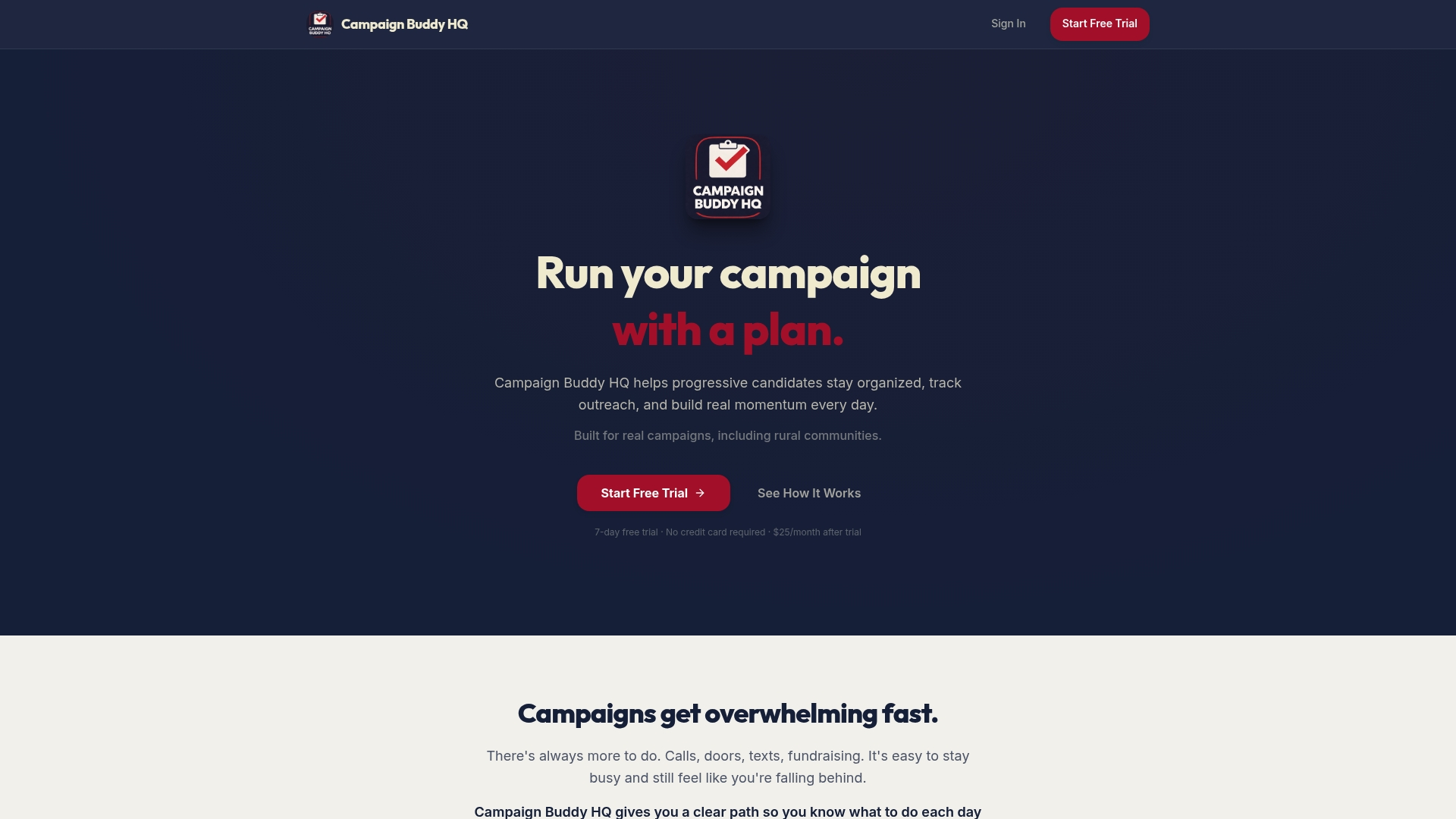
Phase templates let you drop your milestone checklist directly into the platform. Outreach logging tracks doors, calls, texts, and registrations against your weekly targets so fundraising and field milestones stay connected to real activity. The daily and weekly planning views keep every team member focused on what's due next, without a status meeting to find out. Progress visualization shows which phases are on track and which need attention before they slip.
The platform is built for grassroots and traditional campaigns alike, including rural districts where field coordination is the hardest part. There's no credit card required for the free 7-day trial. Start by importing your week-by-week milestone table and assigning owners to each phase gate.
Useful sources and official authorities
- How to Plan a Campaign Timeline (Ben Matthews) — practical workback method and free Gantt chart template; the clearest single-page explanation of channel-organized timelines available.
- Marketing Campaign Guide (Monday.com blog) — covers phase management, critical-path identification, and dependency mapping with downloadable examples.
- Product Launch Campaign Timeline (Apex Brands) — the source for the 12–16 week phased model with hard gates used in the sample plan above.
- Campaign Planning Template (Averi Resources) — downloadable week-by-week template covering pre-launch through post-mortem; paste directly into a spreadsheet.
- Campaign Planner Playbook (Claude Code) — content calendar batching guidance and format-specific lead-time benchmarks for blog posts, emails, and video.
- Federal Election Commission (FEC) — fec.gov: the authoritative source for federal campaign finance filing windows, contribution limits, and disclosure requirements. Check directly for current deadlines; do not rely on third-party summaries.
- State election offices: each state publishes its own filing calendar for nomination papers, finance disclosures, and ballot access deadlines. Find your state's office through the National Association of Secretaries of State (NASS) at nass.org.
- Campaignbuddyhq resources and platform — phase templates, outreach logging, and progress visualization for implementing the milestone workflow described in this article.