

Untracked outreach doesn't just leave you guessing. It actively distorts your strategy, misdirects your volunteers, and burns through your budget on efforts that may never move a single voter. When you can't tell which door-knocking shifts drove sign-ups, which email blast generated pledges, or which text chain produced the most phone bank recruits, you're making decisions on instinct instead of evidence. Data-driven campaigning frameworks remind us that benchmarks should reflect what actually changes voter behavior, not just how busy your team looks. This guide covers the practical tracking basics that turn raw outreach into actionable intelligence.
Table of Contents
- Understanding campaign tracking: Foundations and frameworks
- Digital campaign tracking: UTM parameters, link labels, and analytics
- Print-to-web and QR code attribution: Avoiding lost data and edge cases
- Data-driven campaign decisions: Turning tracking info into real outcomes
- The uncomfortable truth about campaign tracking most teams miss
- Next steps: Streamline campaign tracking with Campaign Buddy HQ
- Frequently asked questions
Key Takeaways
| Point | Details |
|---|---|
| Track what drives impact | Focus on tracking outcomes like new supporters instead of just outreach volume for truly effective campaigns. |
| UTM tagging is crucial | Always use UTM parameters to label every digital campaign link to ensure clear traffic attribution. |
| Catch attribution edge cases | Test print-to-web and QR code links in analytics to prevent loss of attribution in campaign reports. |
| Data powers decisions | Integrate tracking data across channels to enable evidence-based strategy for outreach and organizing. |
| Use the right tools | Platforms like Campaign Buddy HQ can help track, analyze, and improve workflow outcomes. |
Understanding campaign tracking: Foundations and frameworks
Campaign tracking is the practice of recording, attributing, and analyzing every outreach action your campaign takes so you can connect effort to outcome. It's not just logging doors knocked or calls made. It's understanding which of those actions moved supporters closer to a pledge, a registration, or a vote.
The most important distinction you'll make early on is the difference between activity metrics and outcome metrics. Activity metrics count what your team did: doors knocked, calls placed, texts sent, flyers distributed. Outcome metrics measure what actually happened because of those activities: new supporter sign-ups, event attendees, voter pledge commitments, or donation conversions. As voter behavior research confirms, benchmarks grounded in activity alone can mask whether your campaign is actually making progress.
Here are the core terms every campaign manager and organizer should know:
- Attribution: The process of crediting a specific outreach action (a text, an ad, a door knock) with causing a measurable outcome like a sign-up or a donation.
- UTM parameters: Short codes added to URLs that tell your analytics platform where a visitor came from, which campaign drove them, and what specific content or link they clicked.
- Outcome benchmarking: Setting performance targets based on what changes behavior, not just activity volume. For example, targeting a 12% supporter conversion rate per canvassing shift, not just 50 doors per volunteer.
- Direct vs. indirect outreach: Direct outreach involves a one-on-one interaction (phone call, door knock, personal text). Indirect outreach delivers a message without a live interaction (email blast, digital ad, mailer).
Use tracking progress tools to log these data points consistently, and pair them with campaign outreach checklists to make sure nothing falls through the cracks.
| Metric type | Digital campaign example | Field campaign example |
|---|---|---|
| Activity metric | Email opens, ad impressions | Doors knocked, calls placed |
| Outcome metric | Link clicks, form completions | Supporter sign-ups, pledges |
| Attribution source | UTM-tagged link | Canvasser ID, turf assignment |
| Tracking tool | Google Analytics, email platform | Field tracker, CRM log |
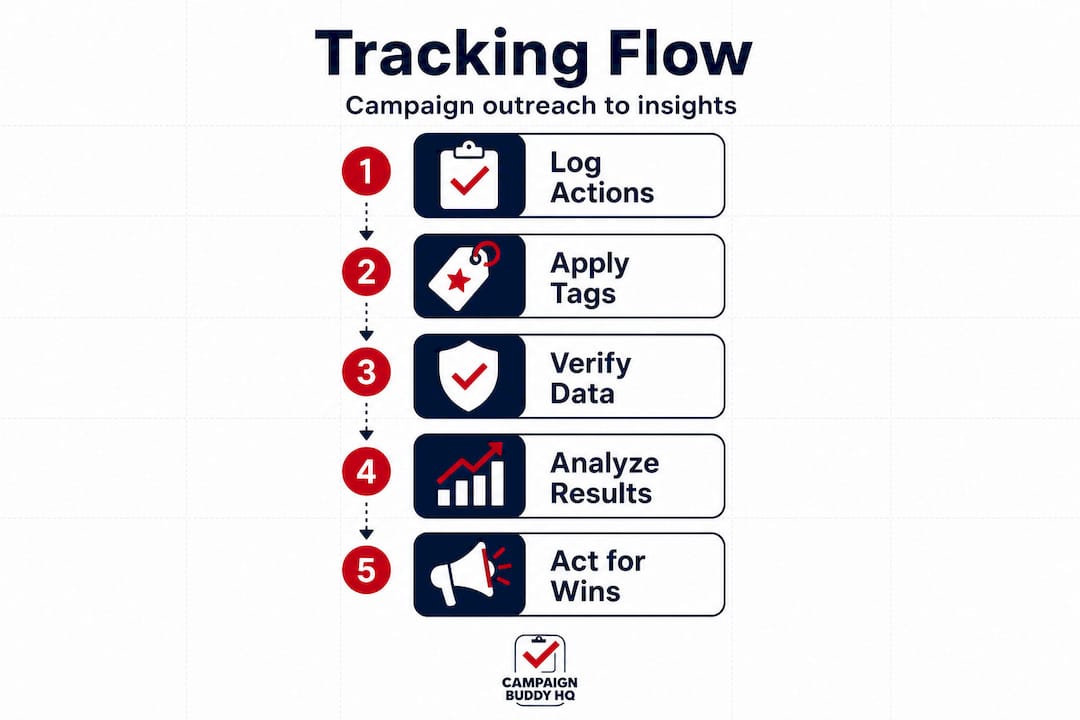
The table above shows how the same tracking logic applies whether you're running a digital operation or a boots-on-the-ground field program. Both need attribution. Both need outcome benchmarks. The tools differ but the discipline is identical.
Digital campaign tracking: UTM parameters, link labels, and analytics
UTM parameters are the backbone of digital attribution for campaigns. A UTM (which stands for Urchin Tracking Module, a legacy term from early web analytics) is a snippet of code you attach to any URL before you share it. When someone clicks that link, your analytics platform reads the code and records exactly where that visitor came from.
Here's a practical example. If you send an email blast about your candidate's housing platform and include a link to the donation page, you'd tag that link with UTM parameters identifying the source as "email," the medium as "newsletter," and the campaign name as "housing-push-june." Now you know exactly how many donations came from that specific email, not just from your website in general. UTM-style link labeling is a core attribution mechanism in analytics tools, and without it, most of your traffic just shows up as "direct," telling you almost nothing useful.
Steps to create and use UTM-tagged links:
- Identify every outbound link your campaign is sharing: emails, social posts, SMS campaigns, digital ads, and website banners.
- Use a free URL builder tool (Google's Campaign URL Builder is widely available and takes under two minutes per link) to add your UTM tags.
- Define five key UTM fields: source (where the traffic comes from), medium (the channel type), campaign (your specific initiative), term (optional, for paid keyword tracking), and content (optional, to distinguish two links in the same email).
- Shorten the tagged URL with a link shortener if you're sharing it on social or via SMS, since raw UTM strings are long and look unprofessional.
- Test every link before sending. Click it yourself and confirm the session shows up correctly in your analytics dashboard.
- Create a shared UTM naming convention doc for your whole team so labels stay consistent across every channel.
Pro Tip: Tag every outbound link, including links in your email signature, your bio link on social accounts, and SMS messages to supporters. Missed tags mean missed attribution, and even small gaps add up to real blind spots in your reporting.
| Without UTM tags | With UTM tags |
|---|---|
| Traffic source shows as "direct" | Traffic attributed to exact source and channel |
| Can't compare email vs. social performance | Clear channel-by-channel comparison |
| Wasted budget on underperforming channels | Budget shifted to highest-performing sources |
| Guesswork in strategy meetings | Data-backed decisions in every review |
Campaigns that commit to data-driven campaign results through consistent UTM use gain a measurable edge. When you review your campaign metrics guide, you'll have clean, actionable numbers instead of a muddled mix of unidentifiable traffic.
Print-to-web and QR code attribution: Avoiding lost data and edge cases
Digital tracking alone won't cut it if your campaign uses mailers, door hangers, yard signs with web links, or any other printed material. Print-to-web attribution is one of the most common places campaigns lose data, and QR codes are both the solution and the most frequent source of new mistakes.

The problem is straightforward. When someone scans a QR code and lands on your website, their browser often doesn't pass a referral source the way a standard web click does. QR codes without proper UTM tagging can break attribution entirely, pushing those sessions into the "direct" bucket or leaving them unassigned in GA4 (Google Analytics 4), your analytics platform. You end up thinking your direct traffic spiked when really it was your mailer campaign doing the work.
Common QR code tracking mistakes include:
- Generating a QR code that links to a bare URL with no UTM parameters attached, leaving the session unattributed.
- Using a URL shortener without UTM tags before shortening, so the redirect strips out any attribution signal.
- Pointing multiple print materials to the same untagged link, making it impossible to tell which physical piece drove traffic.
- Not testing QR codes before print, so tracking failures don't get caught until after thousands of flyers are already distributed.
- Failing to configure GA4 referral exclusions for your own domain, which can cause sessions to reset mid-funnel and look like new direct visits.
"You can lose attribution at the seams. A supporter scans a flyer, clicks through, and that visit becomes invisible in your data. Catching edge cases early prevents data-driven decisions from being made on distorted reporting."
To fix unassigned or inflated direct traffic in GA4, start by auditing every QR code your campaign has deployed. Check whether the destination URL carries UTM parameters. If it doesn't, regenerate the QR code with a properly tagged URL. For ongoing campaigns, set up a QR code tracking template with source set to "print," medium set to "qr-code," and campaign set to the specific material name.
Pro Tip: Before any print run, scan every QR code on a fresh browser with no cached sessions and confirm the visit shows up in GA4 under the correct source and campaign. Do this on both iOS and Android, since different phone operating systems can handle redirects differently.
Connecting print and digital tracking is part of campaign activity organization. When you build it into your standard workflow alongside campaign outreach steps, it becomes routine rather than an afterthought.
Data-driven campaign decisions: Turning tracking info into real outcomes
Tracking data only creates value when you actually use it to change what you're doing. Many campaigns collect data but never build a feedback loop that lets that data influence decisions in time to matter.
Campaign analytics research consistently shows that benchmarks should reflect what genuinely shifts voter behavior, not just what's easy to count. That means your weekly review shouldn't just celebrate high door-knock totals. It should ask: how many of those interactions resulted in a pledge, a sign-up, or an identified supporter?
Steps to analyze and act on tracking data:
- Set a weekly data review rhythm. Pick a consistent time, 30 minutes is enough, where your core team reviews the numbers from the previous week.
- Compare activity metrics to outcome metrics side by side. A week with 400 doors knocked but only 8 sign-ups tells you something very different from a week with 280 doors and 32 sign-ups.
- Identify your top-performing channels by outcome, not by volume. If SMS follow-up after a door knock is converting at three times the rate of cold email, shift more effort there.
- Flag anomalies immediately. If direct traffic in GA4 suddenly doubles with no corresponding campaign change, that's a tracking problem, not a performance win.
- Document what changed and why. Keeping a simple log of decisions made and their rationale makes it far easier to understand results weeks later.
- Adjust resource allocation based on what the data reveals. Move volunteers, shift budget, and revise messaging based on outcome evidence, not gut feeling.
Data-driven campaigns consistently outperform those running on instinct. When field and digital tracking are fully integrated, you can see the complete picture: a voter who received a mailer, scanned a QR code, clicked a UTM-tagged email, and finally signed a pledge at a door knock. That chain of touchpoints tells you exactly how to replicate success. Use your data to build campaign momentum over the full arc of the race, and invest in volunteer power strategies that you can actually measure.
The uncomfortable truth about campaign tracking most teams miss
Here's what most campaign post-mortems never say out loud: the teams that struggled with data almost always knew about the tracking gaps. They just didn't treat fixing them as urgent work. Tagging links felt like a chore. Auditing QR codes felt like overkill. Reviewing attribution in GA4 felt like something for the digital person to handle alone.
The result is that "papered over" data problems compound quietly. You run a mailer, QR scans flood in as direct traffic, your team thinks the mailer underperformed, and you pull resources away from print just as it was starting to work. That's not a technology failure. It's a habit failure.
The campaigns that win on data don't have fancier tools. They treat tracking as an operational discipline, the same way they treat making sure every canvasser is on turf by 10 a.m. Every link gets tagged. Every QR code gets tested. Every weekly review includes at least five minutes of data-quality checking, not just performance reviewing.
The mindset shift is simple but it takes intention: treating edge-case hunting as core campaign work, not bonus work. Ask your team regularly, "Is there anywhere we're collecting activity data but not outcome data?" That single question, asked consistently, closes more attribution gaps than any tool upgrade.
Campaign data insights matter most when your team trusts them. And that trust gets built one correctly tagged link at a time.
Next steps: Streamline campaign tracking with Campaign Buddy HQ
You now have a working framework for tracking outreach from digital clicks to door-knock outcomes. The next step is putting it into practice with tools built for exactly this kind of work.
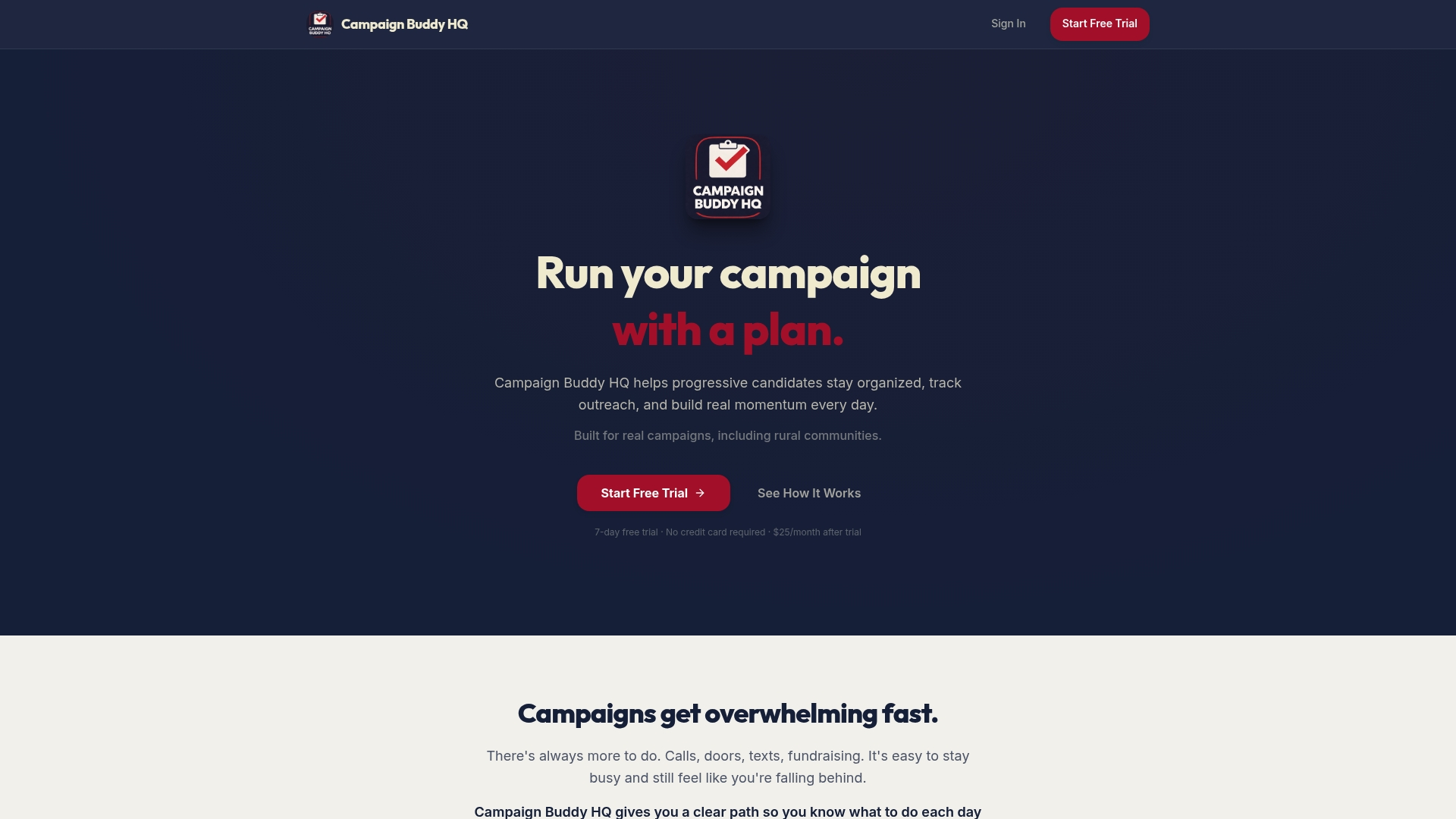
Campaign Buddy HQ gives progressive campaigns a centralized place to log outreach activities, track supporter progress, and monitor campaign goals in real time. You can plan daily and weekly outreach, track doors, calls, texts, and registrations, and see your momentum build phase by phase. Start by finding out how many voters you need to win in your race, then use the vote goal calculator to set outcome-based targets your whole team can work toward. There's no credit card needed to start, and the free 7-day trial gives you immediate access to the full platform.
Frequently asked questions
What are UTM parameters and why do campaigns use them?
UTM parameters are short codes added to URLs that identify traffic source, channel, and campaign, helping you see which specific outreach effort drove each result. Without them, most website traffic shows up as "direct," making channel-level attribution nearly impossible. UTM-style labeling is a foundational attribution tool for any campaign running digital outreach.
How do QR codes impact campaign tracking?
QR codes can silently break attribution if they aren't linked to a UTM-tagged URL, pushing all those sessions into "direct" traffic where they become invisible. Proper QR code tagging in GA4 ensures print-to-web visits are correctly attributed to the right material and campaign phase.
Which metrics should campaigns prioritize for tracking?
Focus on outcome metrics like supporter sign-ups, voter pledges, and donation conversions rather than volume metrics like doors knocked or calls made. Voter behavior research confirms that benchmarks reflecting actual behavioral change are far more predictive of campaign success than raw activity counts.
What's the biggest mistake campaigns make with tracking?
Most campaigns fail to tag every outreach channel and ignore edge cases like untagged QR codes or missing UTM parameters on SMS links, which inflates direct traffic and distorts every performance decision that follows. Fixing attribution gaps early prevents your team from optimizing against a data set that doesn't reflect reality.